7 days · free
Full trial
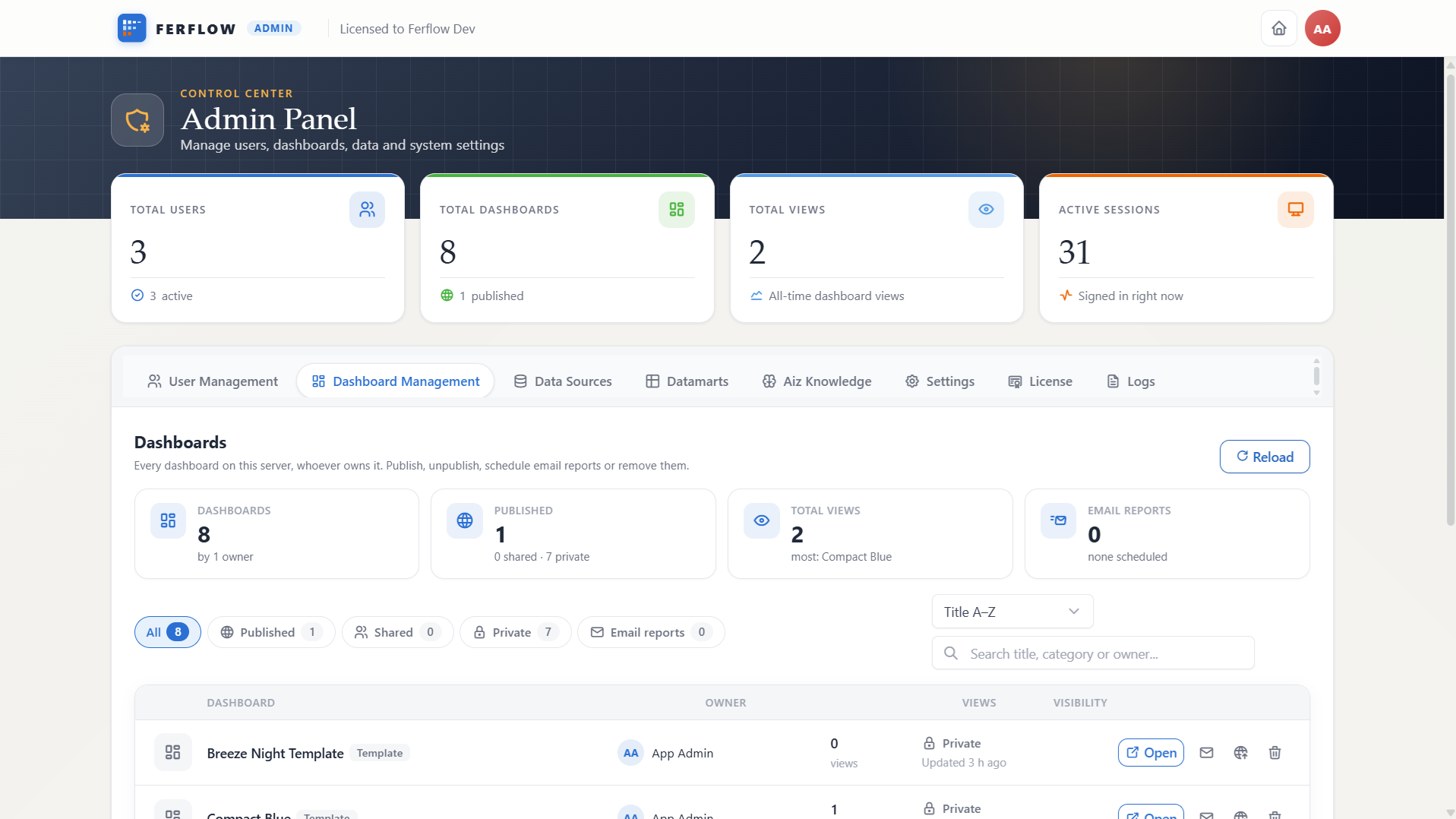
Everything on, Aiz included, for up to 5 users — on your own server, from the moment you first run it.
- Every feature and every Aiz capability
- Your data, your infrastructure
- No card, no sales call
Every install begins with the whole product. When the trial ends nothing stops — keep going free, or upgrade, and everything you built comes with you.
Everything on, Aiz included, for up to 5 users — on your own server, from the moment you first run it.
Keep the install running after the trial. Dashboards and sharing for a small team, at no cost.
Aiz back on, more users, unlimited sources and dashboards — then SSO, approvals and reports.
Ferflow runs entirely inside your network. No usage data, query results, or connection strings ever leave your servers.
Start the free trial, take Community, or order a plan. Your serial number arrives by email within a minute.
Run the installer on any Linux or Windows server with Docker. It asks for your serial, starts Ferflow and prints your admin password. No internet there? Install from files instead.
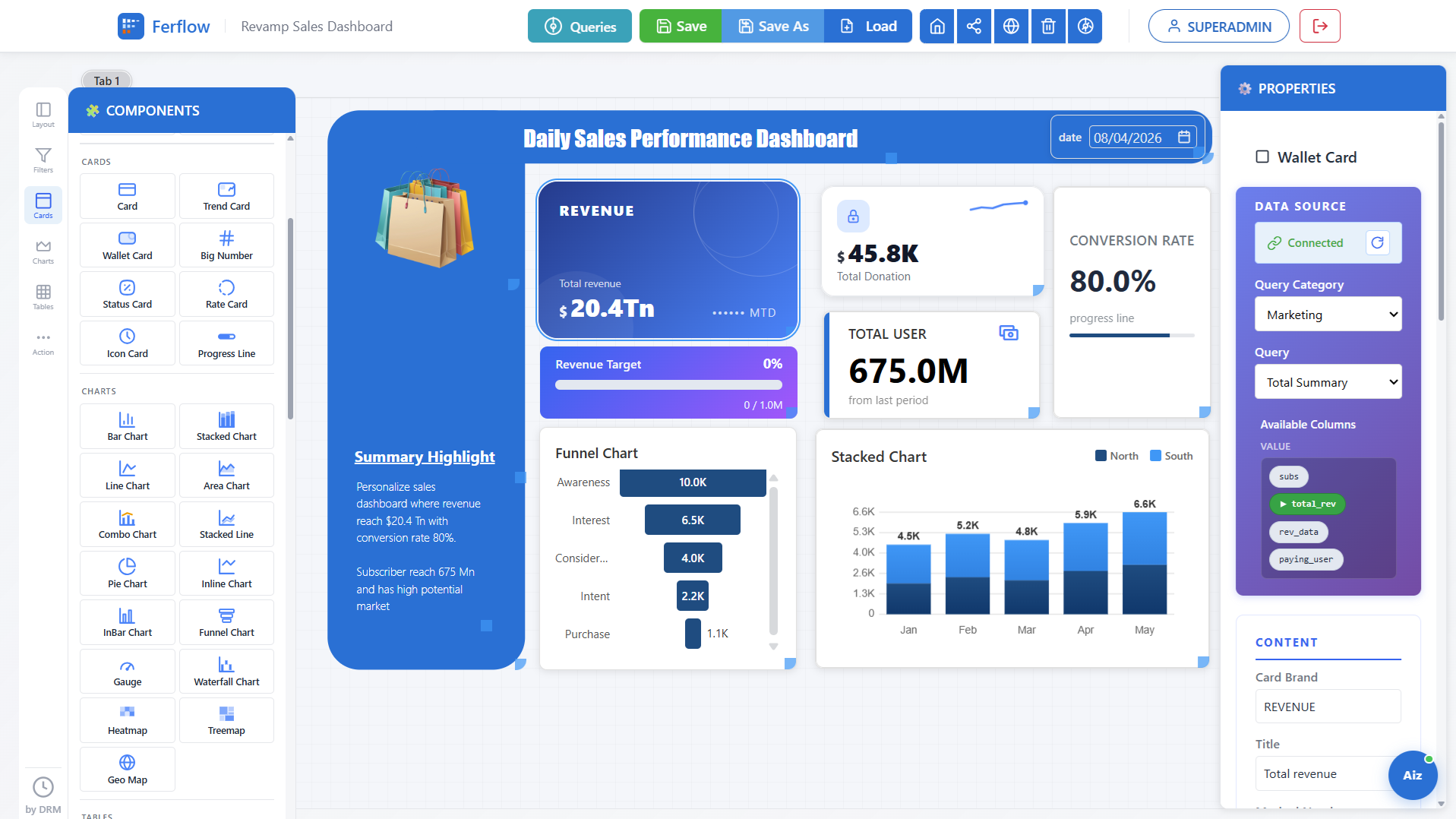
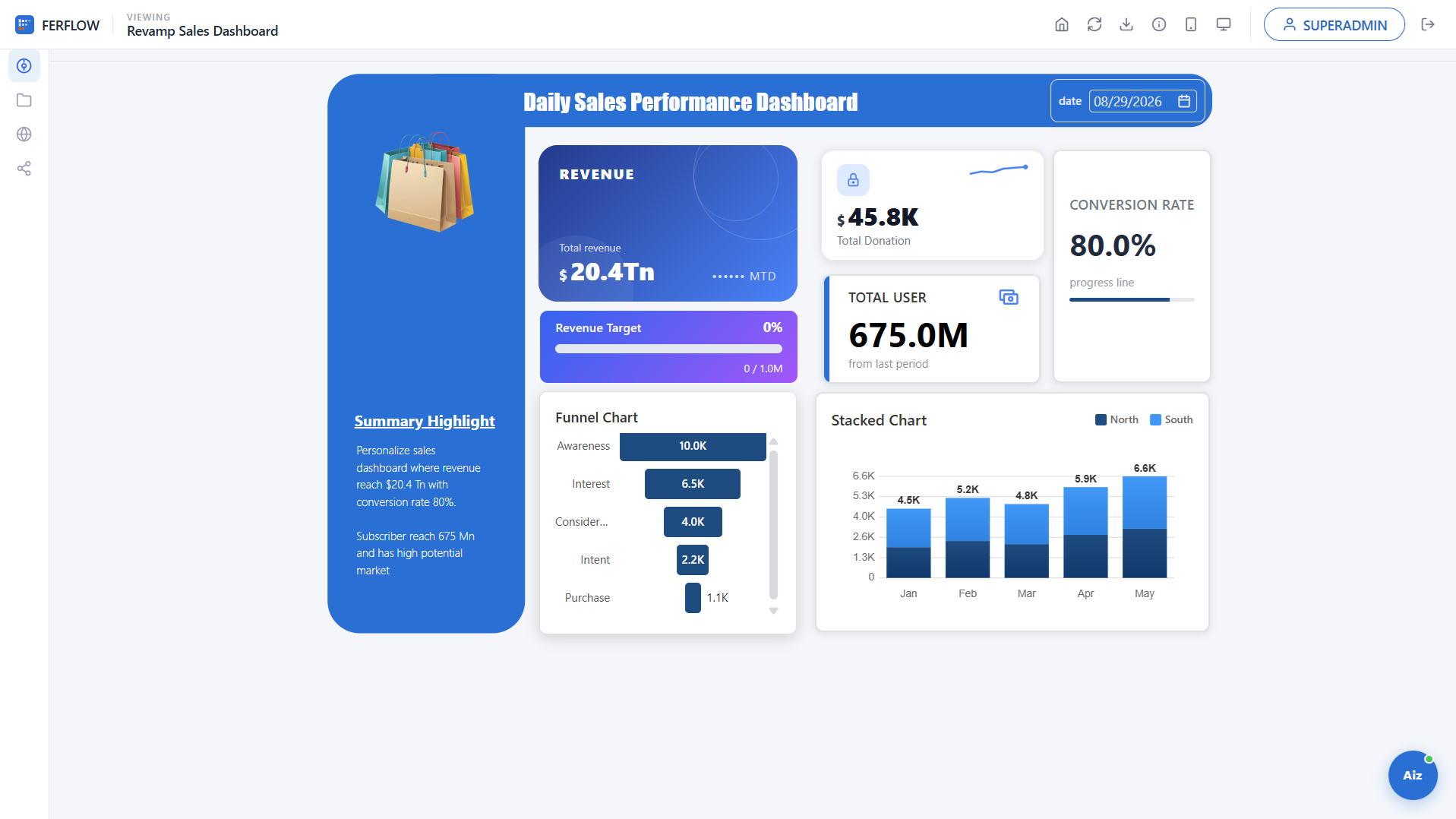
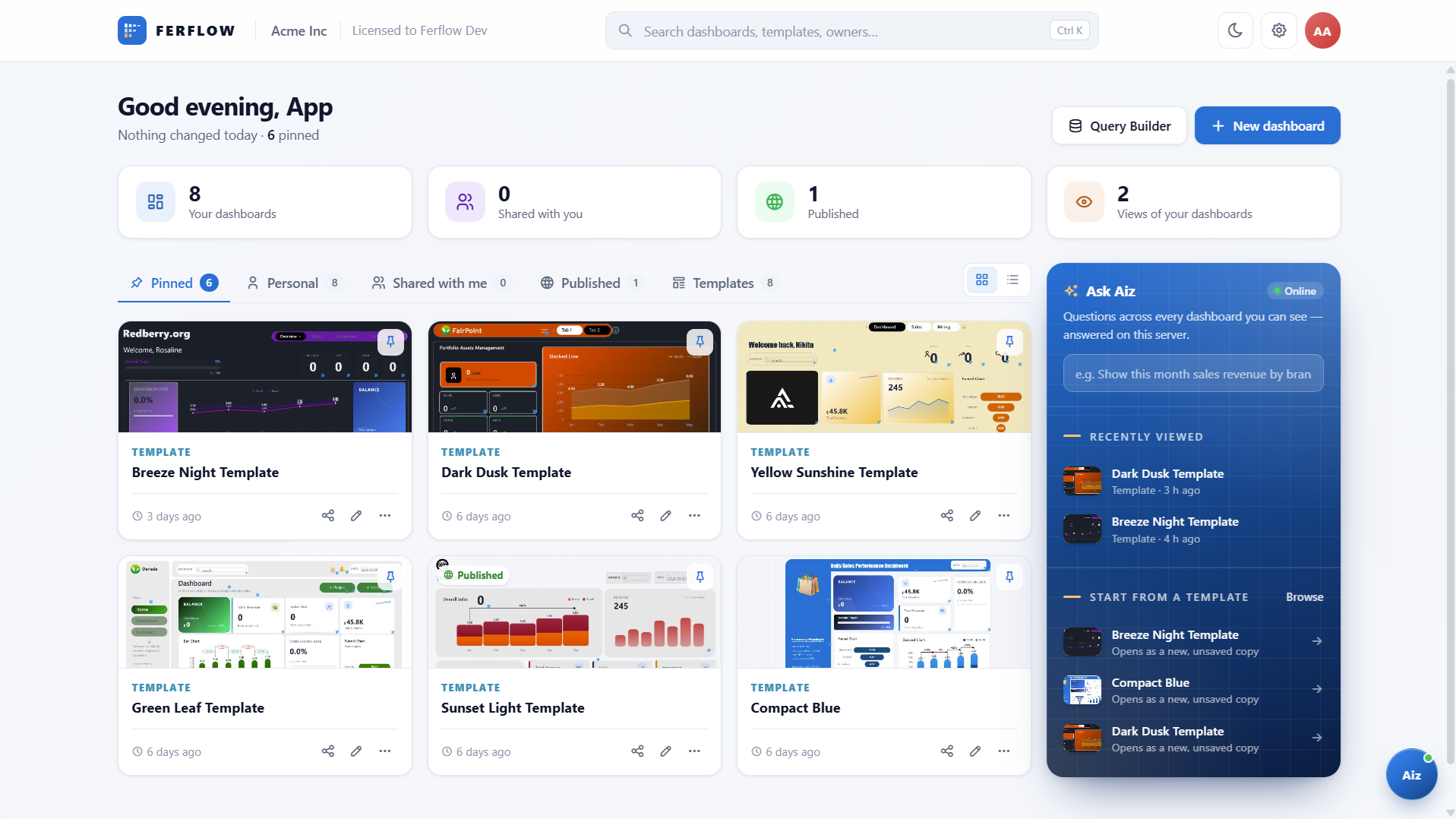
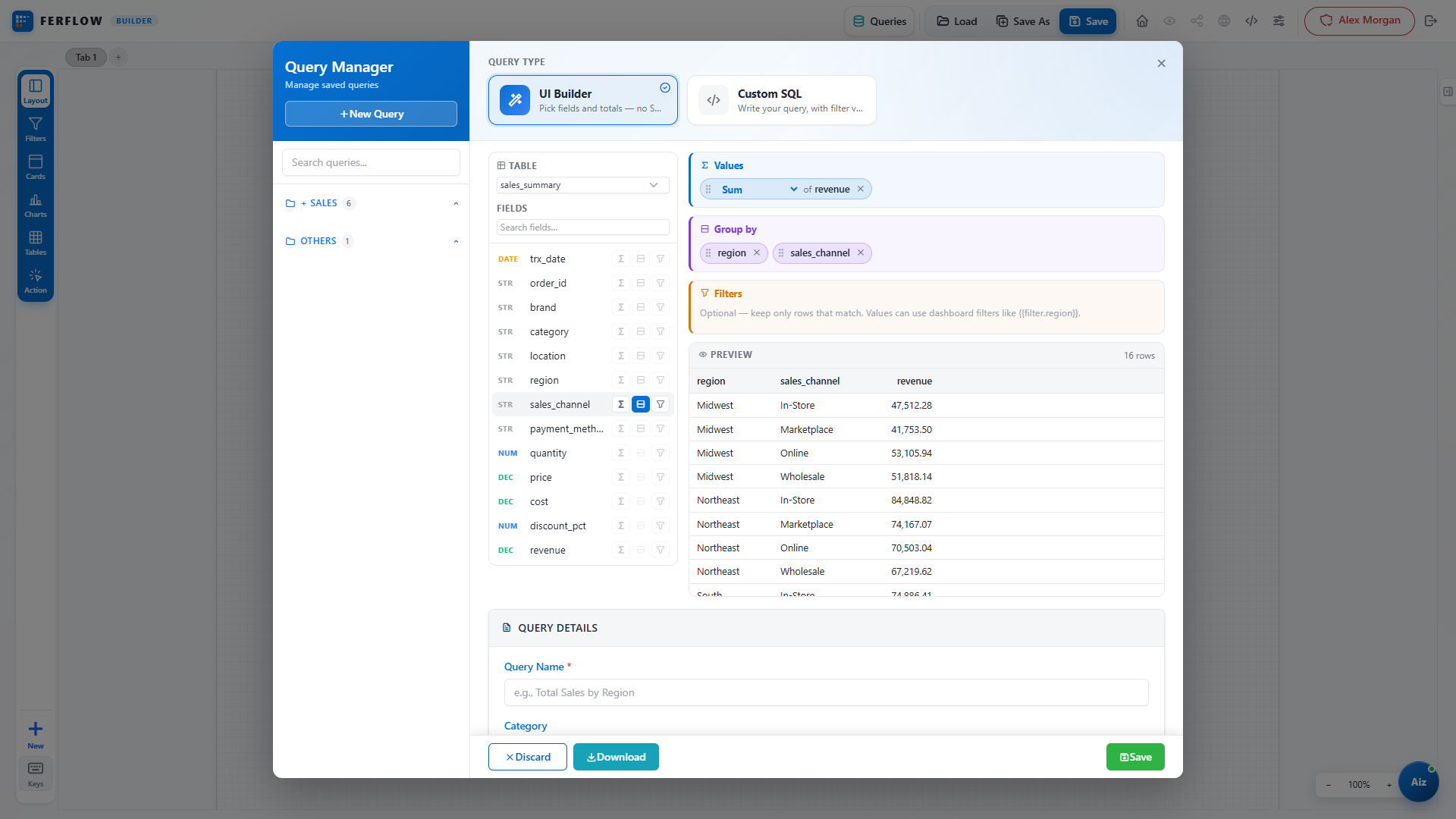
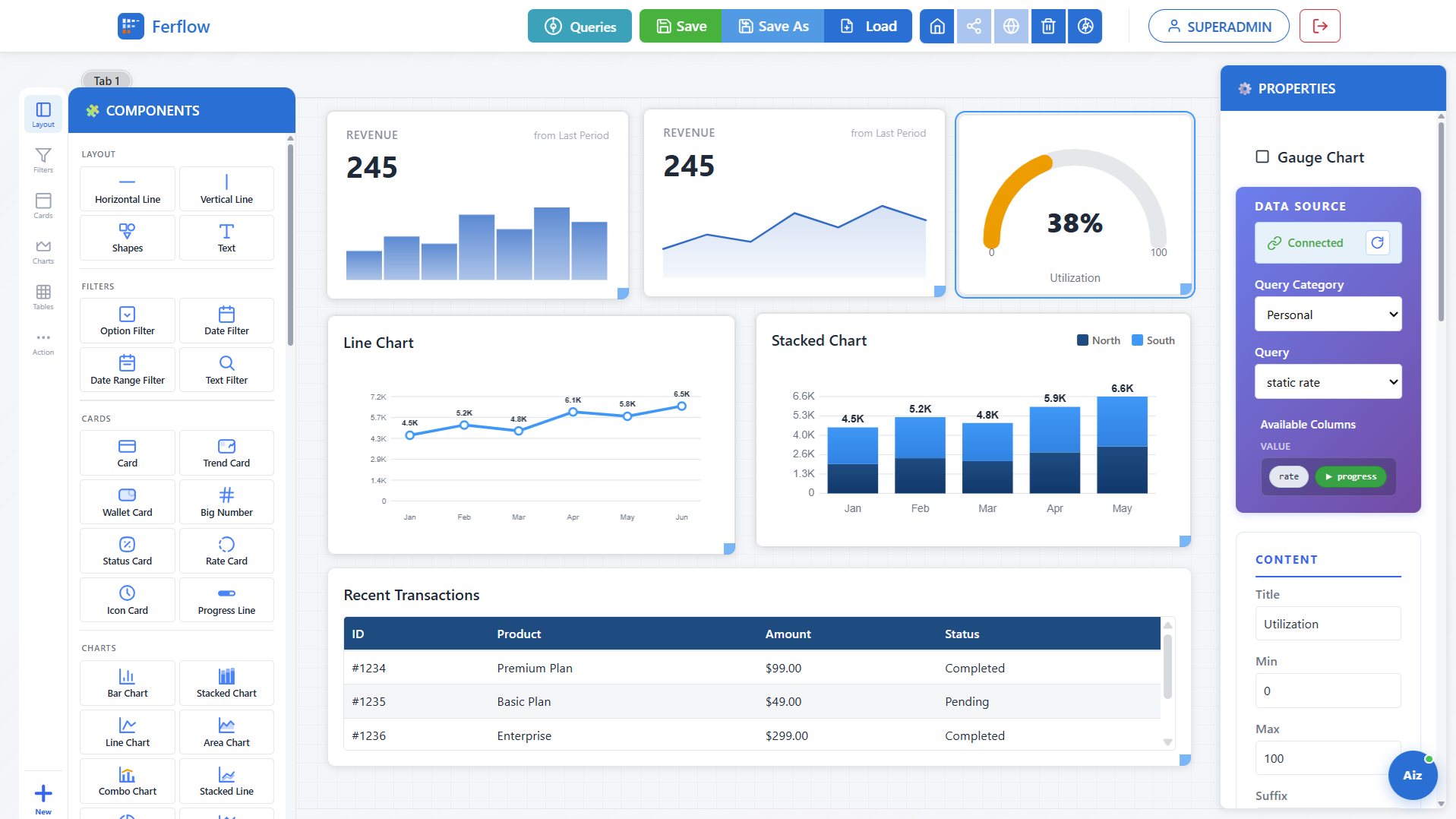
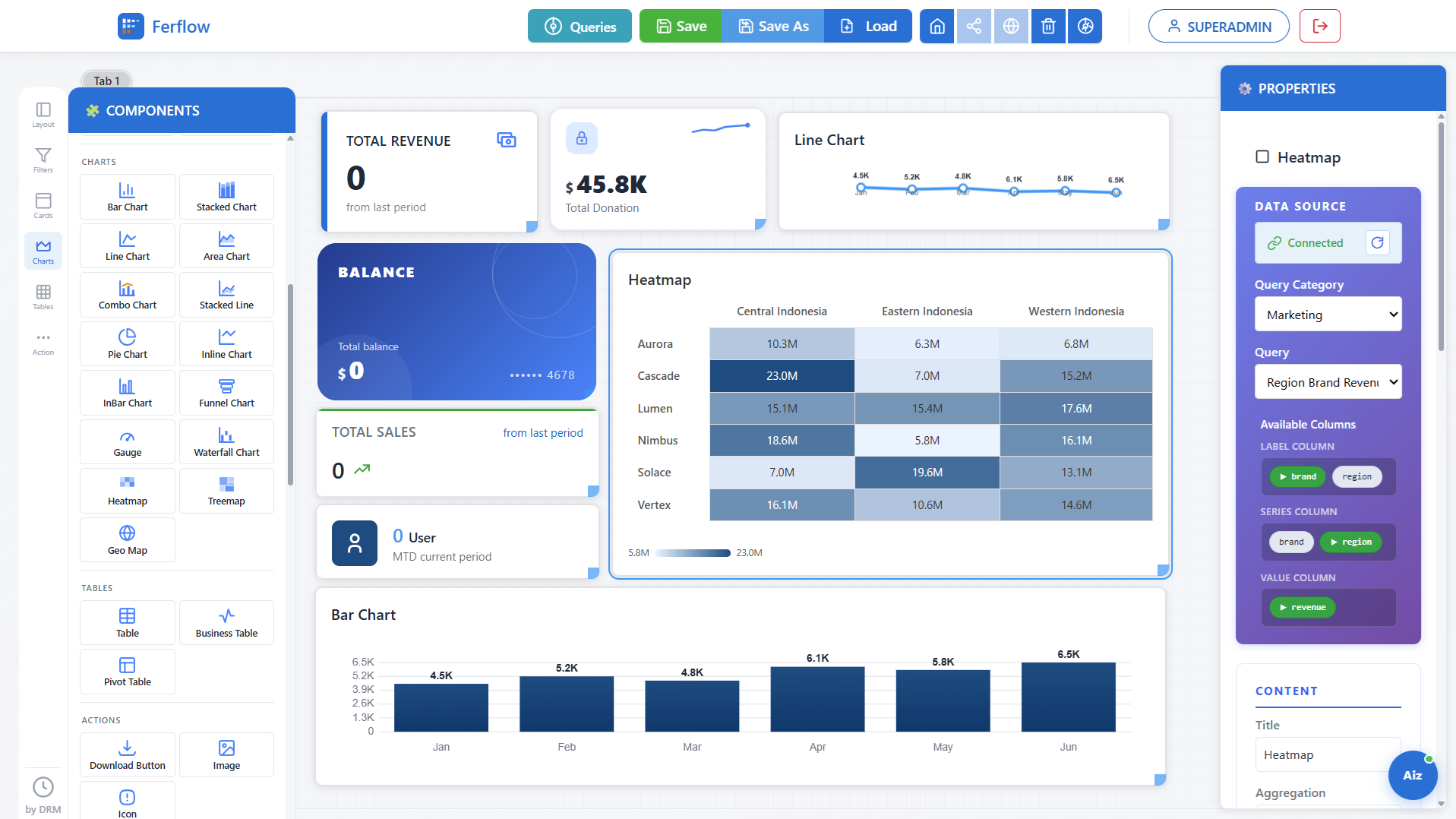
Point Ferflow at PostgreSQL, MySQL, SQL Server, Oracle, Snowflake or Redshift. Nothing is copied off your infrastructure. Then build dashboards and share them.
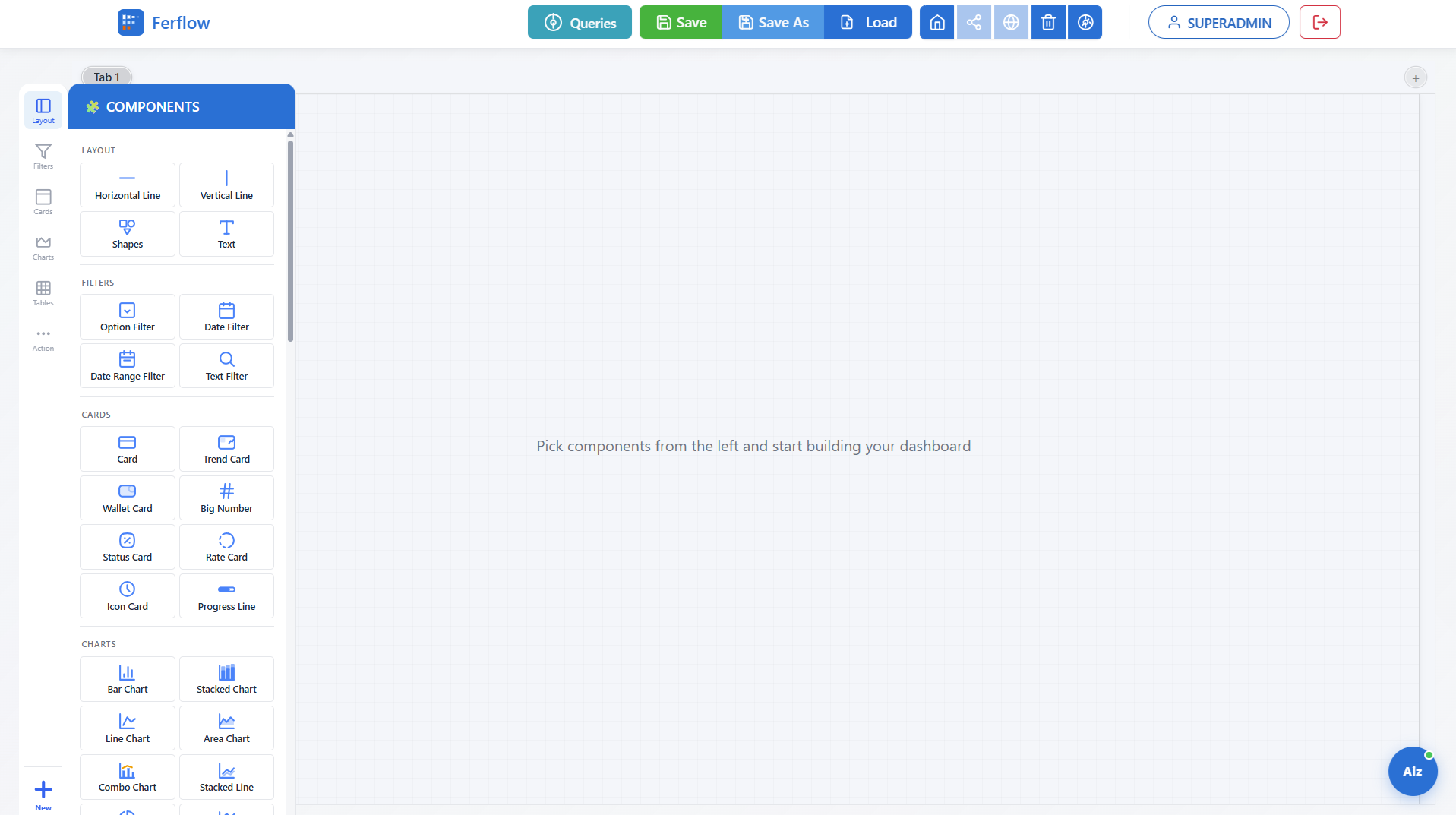
The same five steps every dashboard in Ferflow goes through — no separate ETL tool, no hand-off between teams.
Cloud BI is quick to start but keeps your data. Open source keeps your data but becomes your team's project. Ferflow keeps your data and arrives packaged.
| Cloud BI, per seat | Open-source, self-hosted | Ferflow | |
|---|---|---|---|
| Where your data lives | The vendor's cloud | Your servers | Your servers |
| How you pay | Per user, every month | Free software, your team's time | One payment per term, per server, by user tier |
| Getting started | Sign up | Assemble and configure it yourself | One Docker image and a setup script |
| Upgrades | The vendor's schedule | Yours to build and test | Packaged releases, schema upgrades automatic |
| Support | Vendor support tiers | Community forums | Directly from the developer, Mon–Fri in WIB business hours |
No subscription and no surprises. The full wording is in the terms, support & SLA and company pages.
Community is free. Each paid package is one upfront payment for a month or a year, or a custom term on Corporate. Nothing auto-renews and nothing auto-charges you.
Click through the live demo with no sign-up, or run a 7-day trial on your own server: up to 5 users, every feature on, no payment details. When it ends, keep going free with Community.
A license is bound to your order's serial number, not to a server. Move to new hardware or rebuild a VM without asking us; one production install runs at a time.
Licenses are checked offline, so your install runs its full term even if our site is down. If we ever stop trading, active customers get long-dated licenses and 60 days' notice.
Order again, enter the new serial in Admin → License, and restart. No reinstall, and your data stays put. Unused time doesn't carry over, and an expired license won't start, so renew before the end date.
No refunds once a license is issued, which is why the demo and trial exist. Support runs Mon–Fri, 09:00–18:00 WIB, with response targets by package.
Click through the hosted sandbox with no sign-up, or start free on your own server — a 7-day trial with everything, then Community at $0. Nothing touches your infrastructure until you choose to.